
Are Android Head Units Worth It for a Daily Driver?
Yes, if it boots quickly, supports wireless CarPlay or Android Auto, and keeps core controls usable; otherwise, a stock or name-brand unit is the safer daily-driver choice. Slow startups, flaky Bluetooth, and laggy touch controls turn every commute into a nuisance, and a bad retrofit can break climate, steering-wheel, or backup-camera functions. Here is how to judge fit, speed, app support, wiring, and the failure modes that matter before you buy.
Daily-driver verdict
An Android head unit can be worth it when you want built-in navigation, music apps, and vehicle controls in one dash unit, and your vehicle has the wiring support to keep those functions stable. It is a weaker buy when your daily routine is short, your phone already covers navigation and calls well, or you need the system to wake instantly every time.
The answer changes most with commute style and vehicle age. A long commute in an older vehicle gives the unit time to boot and more value from the upgrade. A short commute in a newer car exposes startup lag, sleep drain, and software glitches right away.
When the upgrade makes sense
Choose an Android head unit when you want one screen to replace multiple daily tasks without making them harder: maps, calls, music, and backup camera view. It tends to make sense in older vehicles, in family haulers that need rear-camera convenience, and in builds where factory infotainment is slow or missing key features.
When Android Auto is the better answer
If you mostly need navigation, hands-free calls, and music, Android Auto on a phone or on a compatible factory screen is often the cleaner daily-driver option. It usually carries less software risk, depends less on the head unit’s own app support, and avoids the extra failure points that come with a full Android OS in the dash.
What changes the answer most
Three things often matter more than screen size: chipset quality, MCU match, and integration quality. The screen can look good while the unit still boots slowly, drops Bluetooth calls, or misreads steering wheel inputs. That is why spec sheets alone are a poor guide.
Android head unit basics
An Android head unit is an aftermarket in-dash infotainment unit that runs Android OS and can handle apps, media, navigation, and vehicle integration. The practical question is not whether it runs Android. It is whether the chipset, RAM, storage, software branch, and hardware interface logic support reliable daily use.
What the hardware does
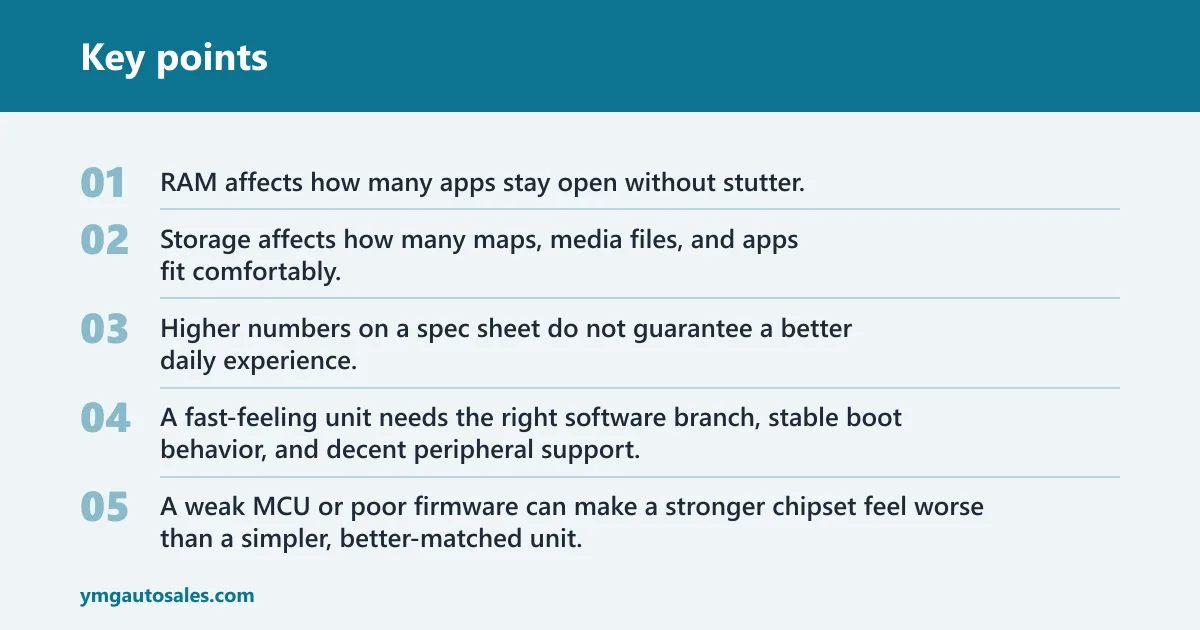
The chipset controls speed and response. RAM affects how many apps stay open without stutter. Storage affects how many maps, media files, and apps fit comfortably. The MCU handles vehicle-specific functions, so it matters as much as the Android software itself when the unit must talk to the car.
That is why forum threads often split by hardware family. XDA has a dedicated Head Units forum category, a general Android Head-Units section, a separate Android Auto area, and even a dedicated Android Automotive OS area. It also has subgroups for FYT Android head units and MTCD hardware development, which reflects how fragmented the market is.
Why chipset, RAM, storage, and MCU matter
Higher numbers on a spec sheet do not guarantee a better daily experience. A fast-feeling unit needs the right software branch, stable boot behavior, and decent peripheral support. A weak MCU or poor firmware can make a stronger chipset feel worse than a simpler, better-matched unit.
On older platforms, firmware and MCU family become critical. XDA’s MTCD software development forum lists Android 10, 9, 8, and 6 support in one ROM thread title, while XDA’s MTCB hardware forum says to check the MCU version in About tablet. The same forum notes that MTCB covers multiple resellers and vendors, which is exactly why model names alone can mislead buyers.
Where factory integration comes
Factory settings is a hidden advanced menu where audio, screen, vehicle, and integration options are configured. It is often password-protected. That menu matters because small setting errors can break steering wheel control mapping, camera trigger behavior, sleep settings, or sound routing.
CANbus is the vehicle data interface used for steering wheel controls and vehicle signals. It needs the correct box compatibility and the right settings, or the unit may miss button presses, show wrong signals, or fail to wake or sleep correctly. This is where many daily-driver complaints begin.
Daily-use friction points
The daily-driver test is not feature count. It is friction. A good unit should be ready quickly, take calls clearly, show the map without lag, and stay out of the way when you just want to drive.
Startup speed and short commutes
Boot time often matters most on short drives. If the unit needs too long to wake, the driver spends the first part of every trip waiting for audio, camera view, or navigation. Sleep drain is the other half of the problem: a unit that does not sleep cleanly can feel dead after sitting, or wake slowly because it never entered a stable low-power state.
Suppose your commute is eight minutes and the unit takes long enough that the reverse camera and maps are still loading when you leave the driveway. That turns a convenience upgrade into a delay. The same unit may feel fine on a 35-minute commute because it has time to wake before you need its main functions.
Bluetooth call quality
Bluetooth is a daily-driver essential because calls expose weak microphones, bad echo cancellation, and unstable pairing faster than music playback does. A unit can look fine for media and still fail at hands-free calling if the mic placement is poor or the software handles phone audio badly.
That is why microphone quality and placement matter more than the app drawer. A clean Bluetooth connection with poor mic hardware still leads to repeated “say that again” moments. If hands-free calling is a priority, judge the microphone path first.
Navigation and app reliability
Navigation reliability is not only about map apps. It is also about whether the unit keeps GPS lock, responds without lag, and leaves enough memory for the map to stay usable while music and phone audio run in the background. The best-looking interface is irrelevant if it freezes under normal load.
Android Auto is often the safer fallback for daily reliability because the phone does the heavy lifting. A full Android head unit adds value when you want standalone apps on the dash, but the phone-projection route usually has fewer local software problems to troubleshoot.
Sleep drain, lag, and lockups
Sleep drain, lag, and firmware lockups are the common failure cases in owner forums. They show up as a dead battery after parking, delayed touch response, frozen audio controls, or a unit that comes back from sleep with no sound until it is restarted.
A common first-timer mistake is judging the unit only by its first boot in the driveway. A device can look acceptable once and still be poor if it wakes slowly, loses CANbus settings, or locks up after a phone call and a navigation prompt in the same trip.
Check the daily sequence. Start with a cold boot, then pair a phone, place a call, start navigation, and reverse into a parking space. This sequence exposes the exact problems that matter for commuting: startup delay, call audio, map stability, and camera trigger behavior.
Test wake behavior. Let the car sit long enough for the unit to sleep, then return and see whether it wakes cleanly or comes back with missing audio or a blank screen. Poor sleep behavior is a daily nuisance, not a bench-test problem.
Verify steering inputs. Press each steering-wheel button several times while music and navigation are active. Missed presses, duplicate actions, or delayed response point to CANbus or factory-setting issues that will annoy you every day.
Will it fit your vehicle?
Fit is about more than the dash opening. The unit must match the correct MCU family, the right CANbus box or settings, and the proper camera wiring behavior. If any one of those is off, the system can function in the dash yet fail in the ways you notice most often.
MCU version and firmware family
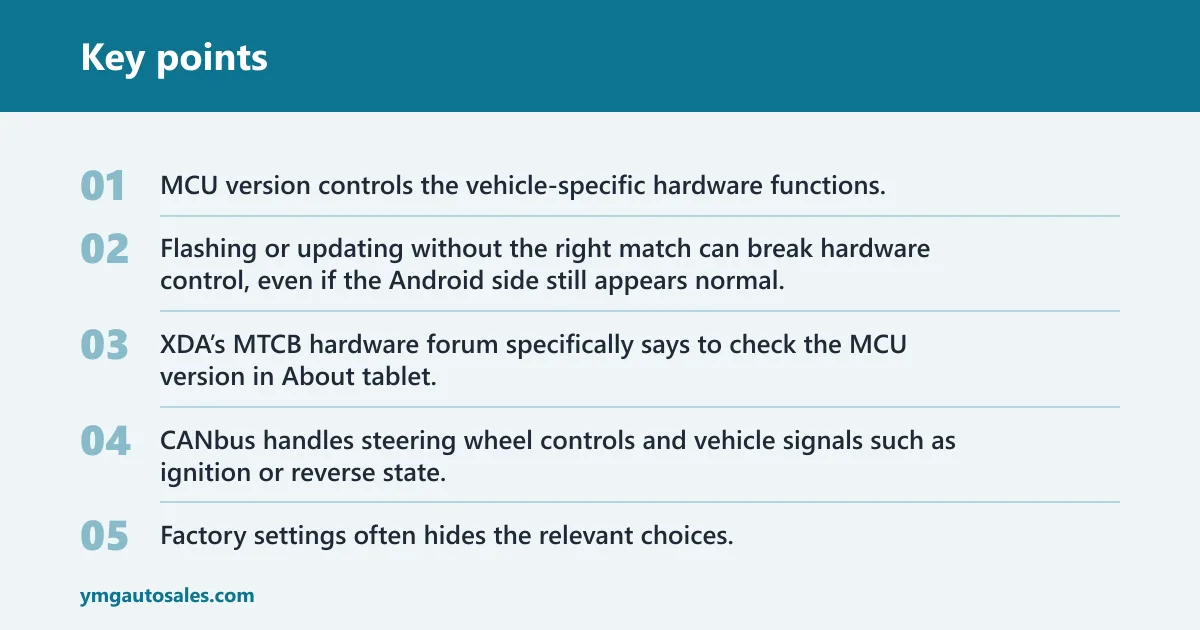
MCU version controls the vehicle-specific hardware functions. It must match the correct firmware branch, especially on MTCB and MTCD families. Flashing or updating without the right match can break hardware control, even if the Android side still appears normal.
That is why older units need careful identification before any update. XDA’s MTCB hardware forum specifically says to check the MCU version in About tablet. That detail is not optional when the unit depends on car-specific support.
CANbus and steering wheel controls
CANbus handles steering wheel controls and vehicle signals such as ignition or reverse state. Correct box compatibility matters because the wrong decoder can give you partial control support, wrong button mapping, or unreliable wake and sleep behavior.
Factory settings often hides the relevant choices. If the CANbus profile or vehicle model is wrong, the unit may look installed correctly while still acting wrong every time you drive.
Factory camera and reverse trigger behavior
Reverse camera integration is one of the biggest daily-driver convenience features, but it is not automatic. Some units work with the factory camera, some need adapter support, and some depend on trigger wiring or camera power behavior that must be set correctly in software.
Picture a vehicle where the camera image appears only after a delay, then drops out when the car shifts out of reverse. That usually points to trigger or compatibility problems, not a camera-quality issue. A good install preserves immediate, repeatable camera switching.
Do you need Wi-Fi every day?
No. An Android head unit can still be useful offline for locally stored music, downloaded maps, Bluetooth calls, and basic vehicle functions. Wi-Fi or a hotspot becomes necessary when you want streaming, live traffic, app installs, or frequent updates. The daily question is whether offline use covers your routine.
Offline use for maps and media
If you download maps in advance and keep music files or cached playlists on the unit, daily use does not require a constant data connection. That setup works best for drivers who want stable, simple behavior and do not want to depend on tethering every trip.
Hotspot use for streaming and updates
A hotspot helps when you stream audio, rely on live route changes, or install updates often. It also matters if your unit’s app support depends on online services. Without data, some features still work, but they are limited to what is already on the device.
When Android Auto is the safer fallback
If your daily routine depends on current maps, dependable calls, and fewer software surprises, Android Auto is often the safer choice. It uses the phone for data and app management, which removes some of the update risk and app lag that come with a full Android head unit.
What specs matter most?
Specs matter only when they support the use case. For daily driving, the most useful hardware traits are enough memory for multitasking, stable Bluetooth, workable audio hardware, and a screen that stays readable in sun and responds quickly to touch. Do not buy by storage alone.
Minimum RAM and storage for smooth use
More RAM usually helps with multitasking, but it does not fix bad firmware. Storage matters when you keep offline maps, apps, and media files on the unit. For daily use, the real question is whether the software stays responsive after several tasks are open at once.
Bluetooth, microphone, and audio hardware
Bluetooth quality depends on the module, the microphone, and the software stack. A built-in mic in the wrong place can ruin calls even if the rest of the unit looks premium. For daily driving, call clarity deserves more attention than app count.
Screen size, brightness, and touch response
A bigger display helps only if it remains readable and responsive. Brightness matters in sun, and touch delay matters every time you need to change the map or answer a call. A laggy screen turns routine actions into small distractions.
Daily-driver decision matrix
This matrix focuses on daily friction rather than spec-sheet bragging rights. Score each category from 1 to 5, then multiply by the assigned weight. A higher total means the unit is more likely to fit a daily driver without creating new problems.
| Category | Weight | What a high score means |
|---|---|---|
| Startup speed | 20% | Ready quickly after key-on and after sleep |
| Call quality | 20% | Clear mic pickup, low echo, stable Bluetooth |
| Navigation reliability | 20% | Maps open fast and stay stable under load |
| Steering wheel control support | 15% | Correct mapping with no missed or duplicate inputs |
| Camera integration | 15% | Immediate reverse trigger and correct image behavior |
| Update risk | 5% | Firmware and MCU support are well matched |
| Total hassle | 5% | Few extra settings, low lag, low sleep drain |
Use the table like this: a unit that scores well on startup, calls, and navigation but poorly on update risk and camera behavior is still a bad daily-driver choice. The top three categories do most of the work because they affect every trip.
| Scenario | Yes / No | Why |
|---|---|---|
| Older vehicle, long commute | Yes | More time to boot, more value from added media and navigation |
| Older vehicle, short commute | Maybe | Only if startup and sleep behavior are strong |
| Newer vehicle, short commute | No | Factory system or Android Auto usually causes less friction |
| Family hauler | Yes | Camera and rear-seat convenience can justify the upgrade |
| Rideshare use | Maybe | Only if calls, navigation, and wake behavior are consistent |
Can Android Auto cover the same jobs?
For many drivers, yes. If you only need navigation, calls, and music, Android Auto can cover the daily jobs with less risk than a full Android unit. The full unit becomes more attractive when you want standalone apps, vehicle-specific integration, or a dash system that works without relying on the phone for everything.
When phone projection is enough
Use Android Auto when you want fewer software problems and a simpler daily routine. It is usually the better answer if your map, call, and music needs are ordinary and you do not care about sideloaded apps on the head unit itself.
When a full Android unit adds value
A full Android head unit adds value when it replaces a weak factory system, supports the camera and steering controls you already use, and wakes fast enough to matter. It also helps in vehicles where a larger screen or custom app layout solves a real usability problem.
Which drivers should skip the upgrade?
Skip it if you want zero maintenance, if your commute is very short, or if the factory system already handles phone projection well. A better screen means little if the unit starts slowly, needs repeated setup changes, or risks breaking vehicle functions.
Frequently asked questions
Are Android head units worth it for a daily driver?
They are worth it when the unit boots quickly, keeps Bluetooth and camera functions stable, and matches your car’s MCU and CANbus setup. They are less worth it when you mainly want reliable calls and navigation, because Android Auto or a factory system may do that with less friction.
What are the biggest problems with Android head units in everyday use?
The common daily problems are slow startup, weak Bluetooth call quality, navigation lag, sleep drain, CANbus glitches, and firmware lockups. These are not rare edge cases; they are the main reasons a unit feels annoying after the novelty wears off.
Do Android head units boot fast enough for short commutes?
Sometimes, but that depends on the unit’s sleep behavior and software quality. A short commute exposes slow wake times more than a long drive does, because the unit may still be loading when you reach your destination. That makes boot speed a priority, not a bonus.
Will an Android head unit work with my factory backup camera and CANbus controls?
Maybe, but only if the correct camera wiring, trigger behavior, CANbus box, and factory settings are in place. Compatibility is vehicle-specific, and MCU matching matters. If those parts are wrong, you can lose steering wheel input or get a camera that behaves unpredictably.
How stable are cheap Android head units compared with name brands?
Price alone does not decide stability. Cheap units can be fine if the chipset, MCU branch, and software support are solid. Name-brand units can still disappoint if the integration is poor. Judge the combination of hardware family, firmware support, and vehicle compatibility instead of the badge.
Do Android head units need Wi-Fi or a hotspot to be useful?
No. They can still handle offline maps, downloaded media, Bluetooth calls, and vehicle functions without live data. Wi-Fi or a hotspot is mainly for streaming, online traffic, app installs, and updates. If your daily routine stays offline, the unit can still be useful.