Dash Cam vs GoPro: Which Should You Use in Your Car?
Choose a dash cam for automatic, always-on evidence capture; use a GoPro only if you also want a general-purpose camera and can manage power, storage, and mounting yourself. Pick the wrong one, and you may miss the clip you needed after a crash, traffic stop, or parking incident. This guide compares video quality, power, storage, heat handling, loop recording, and ease of use so you can pick the right setup for your car.
| Decision factor | Dash cam | GoPro | Winner |
|---|---|---|---|
| Recording reliability | Built for continuous road recording and incident evidence. | Can record in a car, but you must start and manage recording yourself. | Dash cam |
| Heat tolerance | Many car-focused models use a supercapacitor, which is better suited to hot interiors. | Action cameras can work in a car, but battery heat and shutdown risk are bigger concerns. | Dash cam |
| Mounting | Usually mounts to the windshield or dashboard. | Needs an external mount; TechRadar lists a dashboard or windshield mount as required. | Dash cam |
| Automatic incident saving | Many models lock event clips after impact or hard braking. | Workflow is more manual, so saving the right clip depends on your setup. | Dash cam |
| Parking mode | Some models support parking mode with a hardwire kit and power management. | Not the normal strength of a GoPro car setup. | Dash cam |
| Transfer friction | Some models rely on Wi-Fi / app connectivity, while others need an app or computer. | File handling is more general-purpose and usually less direct for evidence use. | Dash cam |
| Best use case | Accident evidence, insurance claims, parking incidents, and routine commute logging. | Occasional, multipurpose recording where the same camera also has non-car uses. | Dash cam |
Why dash cams are better for car recording
The tradeoff is straightforward: a dash cam is built for evidence capture, while a GoPro is a multipurpose camera that can be adapted for car use. If you want the camera ready every time you drive, the dash cam wins. If you want one camera for road clips and other projects, a GoPro can work with more setup.
Recording reliability
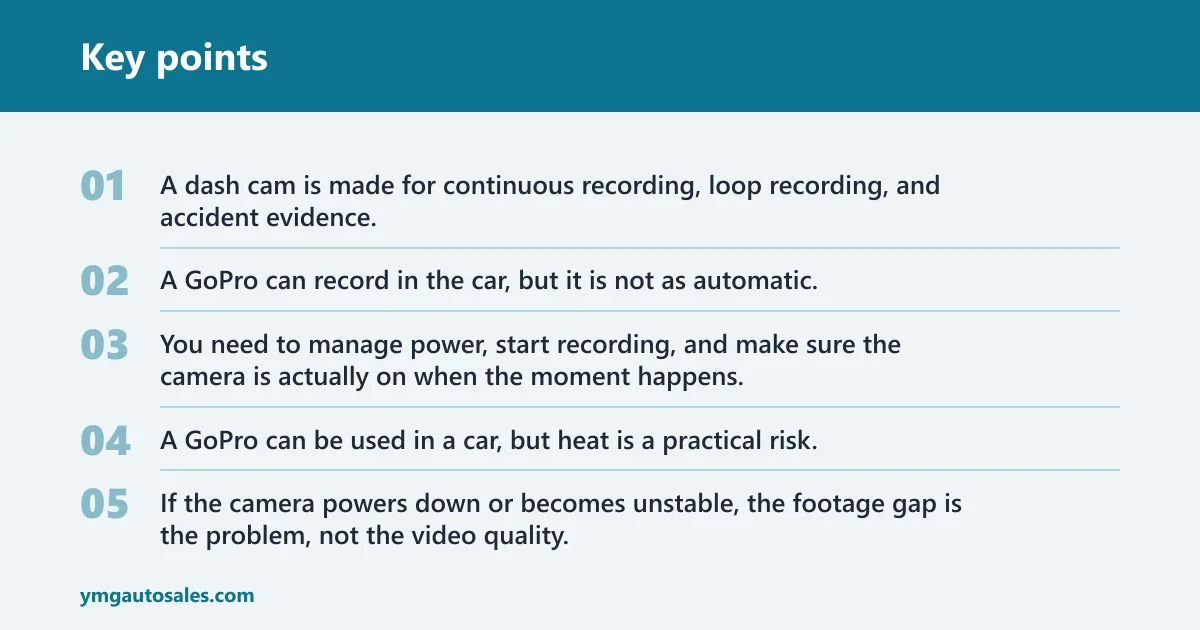
A dash cam is made for continuous recording, loop recording, and accident evidence. That design matters when you want the camera to keep running without much input.
A GoPro can record in the car, but it is not as automatic. You need to manage power, start recording, and make sure the camera is actually on when the moment happens.
Heat tolerance
Car interiors get hot fast. That is where some dash cams have an edge, especially models that use a supercapacitor instead of a lithium-ion battery. That design choice is one reason many buyers prefer a dash cam for hot-weather parking.
A GoPro can be used in a car, but heat is a practical risk. If the camera powers down or becomes unstable, the footage gap is the problem, not the video quality.
Mounting and permanence
A dashboard or windshield mount is required for this setup, and the adhesive mount included with many cameras cannot be moved or reused after attachment.
That makes the setup more committed than many drivers expect. A suction cup mount is removable and repositionable, so it is the more flexible choice for a GoPro car setup. A dash cam usually wins here because the mount is part of its normal use case, not an add-on workaround.
Evidence capture and incident saving
This is where the gap gets wide. Dash cams can help provide evidence in an accident, which is a common reason many drivers buy them in the first place. The camera is meant to keep the clip, even when the road gets messy.
A GoPro does not usually manage that workflow for you. Some clips may still need manual saving, and that is a weak point when you are dealing with a crash or a sudden stop. Picture a low-speed fender bender in a parking lot: if the camera is not already recording, or if the clip is not locked automatically, the useful moment can be gone.
Parking mode and hardwire kits
Parking mode matters if you want the camera to record while the car is parked. That requires power management, and on some dash cams a hardwire kit connects the camera to the car battery so it can keep monitoring after you leave. The hardwire kit is often sold separately.
GoPro setups can be powered in a car, but they are not the usual answer for 24-hour recording or parking surveillance. For that job, a dash cam is the cleaner fit.
Storage and transfer workflow
Dash cams usually store footage on a microSD card. That local storage workflow is simple: record, overwrite, and pull the card when needed.
GoPro footage is also stored locally, but the transfer path can add friction. Wi-Fi and app connectivity help with settings and video transfer, yet those apps can be slow or laggy. The extra step is not the same thing as automatic evidence capture.
GoPro vs Dash Cam for Car Use
| Criteria | Dash cam | GoPro | Winner |
|---|---|---|---|
| Recording reliability | Always-on road recording is the main job. | Works, but depends on user setup and startup. | Dash cam |
| Heat tolerance | Often better suited to parked-car heat, especially with a supercapacitor. | More exposed to battery and shutdown limits in a hot cabin. | Dash cam |
| Mount permanence | Permanent or semi-permanent windshield/dashboard mounting is normal. | Needs external mounts and accessory planning. | Dash cam |
| Automatic incident saving | Common feature on many models. | More manual workflow. | Dash cam |
| Parking mode | Often supported with a hardwire kit. | Not the standard fit for this use. | Dash cam |
| Hobby versatility | Mostly limited to car use. | Useful beyond the car. | GoPro |
| Best use case | Evidence, insurance, and routine driving protection. | Occasional in-car recording plus other video tasks. | Dash cam |
Recording reliability: dash cams win
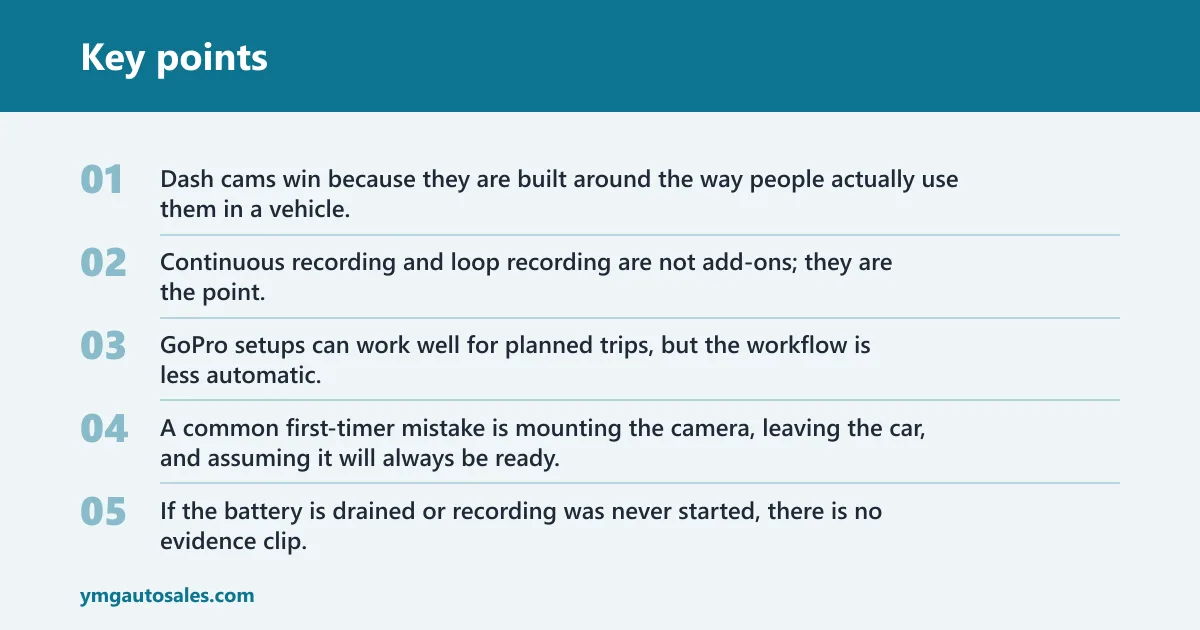
Dash cams win because they are built around the way people actually use them in a vehicle. Continuous recording and loop recording are not add-ons; they are the point. That matters when the driver does not want to think about the camera at all.
GoPro setups can work well for planned trips, but the workflow is less automatic. A common first-timer mistake is mounting the camera, leaving the car, and assuming it will always be ready. If the battery is drained or recording was never started, there is no evidence clip.
Heat tolerance: hot cabins are hard
Hot cabins are hard on electronics. Supercapacitor-based dash cams are often preferred because they tolerate heat better than lithium-ion battery designs. That matters in a parked car.
GoPro use in a hot car is possible, but it is less purpose-built for that environment. If your car sits outside all day in summer, heat tolerance should push you toward a dash cam.
Mounting and access
Most dash cams mount to the windshield or dashboard and stay there. That keeps the field of view stable and the setup out of the way.
GoPro car setups are more flexible, but they ask for more judgment. The adhesive mount is not reusable once attached, and a suction cup mount is the better choice if you want to move the camera between vehicles or test angles before committing.
Storage and transfer friction
Both camera types use local storage, and a microSD card is the common medium. That said, dash cams usually make the evidence workflow simpler because the card is tied to the car and the files are organized around incidents and loops.
GoPro footage often takes extra steps to move, sort, and confirm. Wi-Fi / app connectivity can help, but that convenience is not the same thing as evidence capture. If the goal is insurance documentation, fewer steps usually means fewer mistakes.
Can you use a GoPro in your car?
A GoPro can be used in a car if you pair it with the right mount and accessories. The catch is workflow: you must manage mounting, power, recording, and storage yourself. That makes it usable, but not as automatic as a dedicated dash cam.
What accessories you need
At minimum, plan for a mount, a microSD card, and a power plan. A suction cup mount is the better pick if you want a removable and repositionable windshield setup.
-
Choose the mount first.
Pick a dashboard or windshield position that keeps the lens level and the road centered. A suction cup mount is easier to reposition, while an adhesive mount is more permanent once attached. -
Add local storage.
Install a microSD card before the drive, since the camera needs somewhere to write video locally. If you want long recording sessions, choose a capacity that matches the clip length you expect. -
Set power and recording.
Use vehicle power or another stable source so the camera does not quit early, then confirm recording starts before you leave. That step is what separates a car camera from a camera that is merely sitting in a car.
Which camera is better for evidence and insurance?
A dash cam is better for evidence and insurance use. It can help prove fault in an accident, and that is the central reason they exist. They are also better at automatic incident saving, which matters more than general-purpose video features when the driver needs proof after a crash.
Automatic incident saving
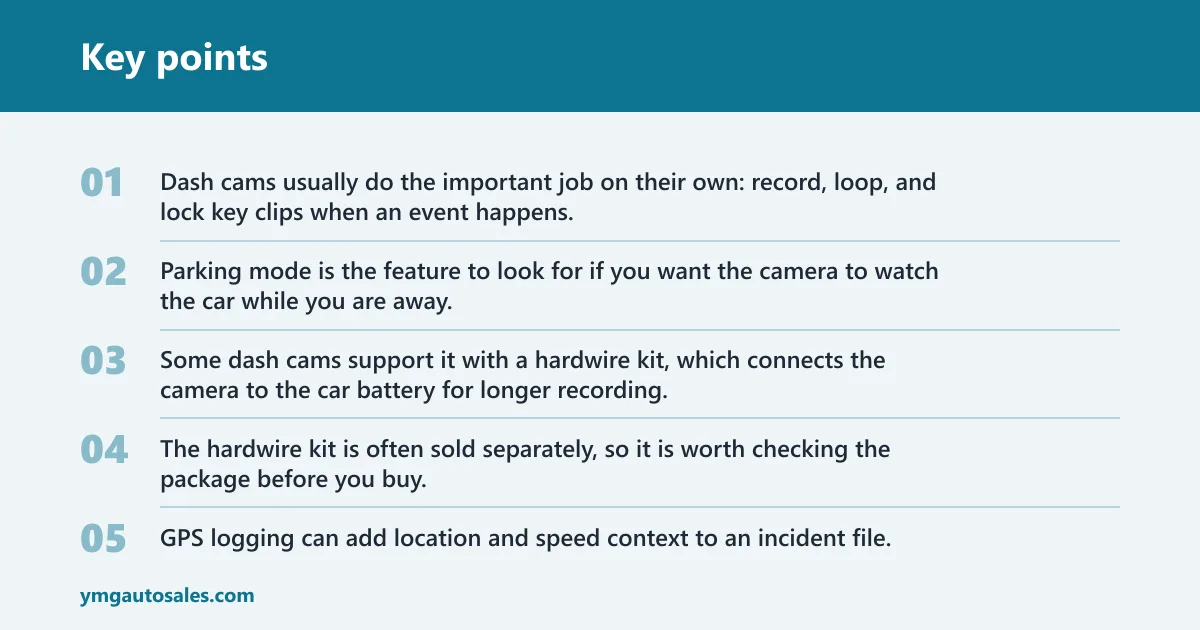
Dash cams usually do the important job on their own: record, loop, and lock key clips when an event happens. That is a major difference from a GoPro setup, where the driver may need to remember to start recording, keep it powered, and save the right clip afterward.
That manual workflow is fine for a road trip. It is weaker for a rear-end collision at a stoplight.
Parking mode and hardwire kits: parking mode is the feature
Parking mode is the feature to look for if you want the camera to watch the car while you are away. Some dash cams support it with a hardwire kit, which connects the camera to the car battery for longer recording. The hardwire kit is often sold separately, so it is worth checking the package before you buy.
GoPro is not the better fit here. It can be powered in the car, but parking surveillance is not its strongest use case.
GPS logging and context
GPS logging can add location and speed context to an incident file. Some dash cams include it, while others sell it separately. That extra data can help explain where and when an event happened, which is useful when the footage itself does not tell the whole story.
Do not assume every dash cam includes GPS, Wi-Fi, or parking mode. Those features vary by model.
What are the practical downsides of a GoPro setup?
The main downsides are heat, battery or power management, storage workflow, and forgetfulness. A GoPro can work in a car, but it asks more from the driver. For evidence use, that extra attention is the drawback.
Battery and heat limits
A car can be a harsh place for any camera. Heat, long idle time, and constant power demands can cause trouble. Supercapacitor-based dash cams are often a better match for that environment than a camera that depends on a battery-first design.
Storage and transfer friction: goPro footage still has
GoPro footage still has to be moved, sorted, and saved. Wi-Fi / app connectivity can help with that, but app transfer can be slow or laggy. That may be fine for a vacation clip. It is less ideal when you want a fast, clean evidence file.
Mount permanence and windshield placement
Mounting is another tradeoff. Adhesive mounts stick well, but the adhesive pad cannot be moved or reused after attachment. If you expect to change vehicles or shift the setup often, a suction cup mount is the less frustrating choice.
Suppose you park under a windshield sunshade every day. A low-profile dash cam is easier to leave in place, while a GoPro mount may need more attention each time you get in and out of the car.
Choose Dash cam if… / Choose GoPro if…
Choose a dash cam if your main goal is evidence capture. Choose a GoPro if you want one camera for occasional in-car recording and other non-car use, and you are willing to manage the setup yourself.
Choose Dash cam if…
- You want automatic, always-on road recording.
- You care about incident locking, parking mode, and insurance evidence.
- You park in heat often and want a setup that is better suited to that environment.
- You want less setup friction every time you drive.
Choose GoPro if…
- You already want a multipurpose camera, not a car-only device.
- You are fine using a dashboard or windshield mount plus accessories.
- You do not mind starting recording and managing storage yourself.
- You use the camera for trip footage, hobby clips, or other jobs beyond driving.
Dash cam vs GoPro for Car Use decision
| Question | Answer for Dash cam | Answer for GoPro | Winner |
|---|---|---|---|
| Will it start recording on its own? | Usually yes, with a car-focused workflow. | Only if you set it up and start it. | Dash cam |
| Will it help with a claim after a crash? | Yes, because it is built for incident evidence. | Possible, but the workflow is more manual. | Dash cam |
| Will it work better as a second-use camera? | No, it is mostly car-only. | Yes, it has broader use outside the car. | GoPro |
| Will parking mode be easier to set up? | Usually yes, especially with a hardwire kit. | No, that is not the normal fit. | Dash cam |
| Will hot-car use be easier to trust? | Often yes, especially with supercapacitor power. | Less so, because the car is not its main environment. | Dash cam |
Three-question checklist for drivers
- Do you want evidence first? If yes, choose a dash cam. If no and you want a multipurpose camera, GoPro can fit.
- Will the camera stay in the car? If yes, a dash cam is the cleaner choice. If you will move it between uses, GoPro becomes more practical.
- Do you want less setup work? If yes, pick a dash cam. If you are willing to manage mount placement, power, and file transfer, GoPro is workable.
Frequently asked questions
Can you use a GoPro as a dash cam in your car?
Yes, a GoPro can work in a car if you use the right mount and accessories. The catch is workflow: you must manage mounting, power, recording, and storage yourself. That makes it usable, but not as automatic as a dedicated dash cam.
Is a dash cam better than a GoPro for driving?
For driving evidence, yes. A dash cam is better because it is built for continuous recording, incident saving, and road-use convenience. A GoPro is better only if you want a camera that also does other jobs outside the car.
What accessories do you need to use a GoPro as a dash cam?
You need a dashboard or windshield mount, local storage such as a microSD card, and a power plan. A suction cup mount is the more flexible option for car use.
Does a GoPro record continuously like a dash cam?
It can record for long stretches, but that is not the same thing as a dash cam’s automatic loop-and-lock workflow. A GoPro setup depends more on the user to start recording and keep the camera powered. That makes it less reliable for passive evidence capture.
Will a GoPro overheat in a car?
It can, especially in a hot parked car. Heat is one of the main reasons drivers choose dash cams instead. Models with supercapacitors are often better suited to heat than battery-based setups, so the car environment matters more than the camera’s general video ability.
Can a GoPro save footage automatically after a crash?
Not in the same way a dash cam can. A dedicated dash cam is more likely to lock or preserve incident footage on its own, while a GoPro setup usually needs more manual management. That is a key difference when the goal is insurance evidence.