
Are Magnetic Car Phone Mounts Safe for Your Phone?
Yes, magnetic car phone mounts are usually safe for modern phones, but keep magnets away from cards and medical devices. Used badly, they can cause charging issues, attachment slip, or interference with implanted electronics, and a loose mount can also create a driving hazard if it shifts or falls. This guide explains what magnets can and cannot affect, plus when to choose a different mount.
What magnets do and what can still go wrong
Yes, magnetic car phone mounts are generally safe for everyday phone use. The magnet does not erase data, crack a screen, or harm phone battery chemistry, but the real-world risks are about fit, charging, and nearby items in the car. For the phone itself, the main concerns are usually temporary effects; for driving, the bigger issue is whether the mount stays secure and does not distract the driver.
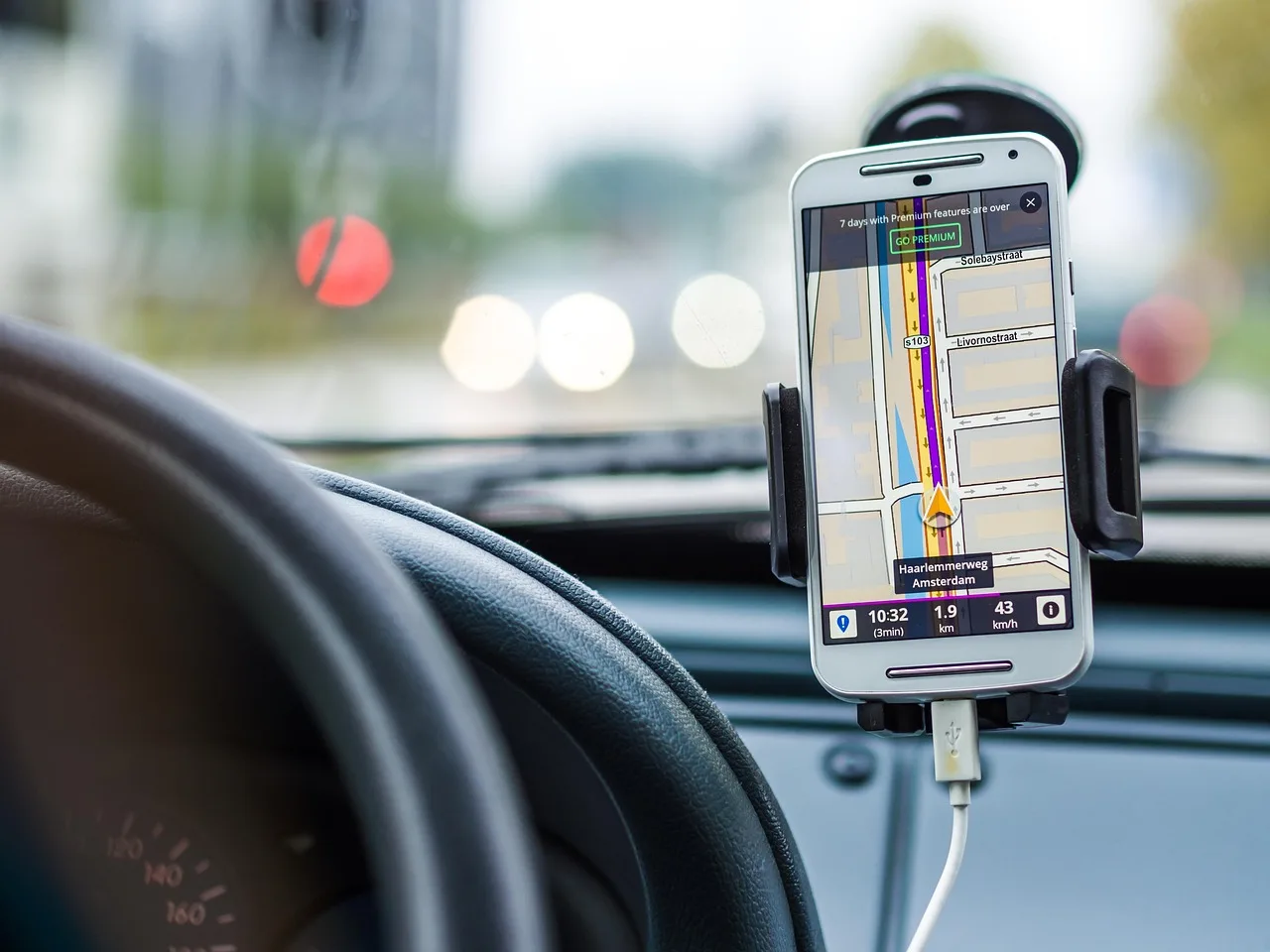
A magnetic car phone mount uses built-in magnets or a metal plate to hold the phone for one-handed attach and detach. Common install spots are the dash, vent, or windshield. That convenience can be useful, but a loose mount on a hot dashboard or a weak vent clip may let the phone shift or fall on rough roads.
What the magnet usually does not do
Modern devices use solid-state storage, so magnets will not erase data. They also do not normally affect the phone’s radio performance in a lasting way. Minor compass drift may happen near the mount, and it is temporary. Some camera modules can show autofocus oddities near strong magnets, and Apple has warned that some accessories with magnets can interfere with camera stabilization and autofocus systems.
What can still go wrong in a car?
The practical failure cases are mechanical and compatibility-related. A heavy phone can slip if the mount is weak, a thick case can reduce magnetic hold, and a poor charging setup can stop wireless charging from working. In summer heat, adhesive pads can soften and vent clips can wobble, which raises the chance of the phone moving at the wrong time.
Suppose a driver uses a phone with a thick case on a vent mount during a long climb on a rough road. The magnet may still hold the phone, but airflow from the vent, vibration, and added weight can make the mount tilt or slide. That is a mounting problem, not a phone-safety problem.
How magnetic mounts work
Magnetic mounts hold the phone with built-in magnets or with a thin metal plate attached to the phone or case. The mount itself may rotate for viewing angles, and many models are designed for quick one-handed removal. The key difference is whether the setup is MagSafe-compatible or a universal magnetic plate system.
Built-in magnets and magnetic plates
Universal magnetic mounts often use a metal plate on the back of the phone or inside a case. That plate gives the mount something to grab. MagSafe-style mounts use a ring of magnets that lines up with a MagSafe-compatible iPhone or case. The choice matters if you want charging and alignment to work together.
Dash, vent, and windshield mounting points
Dash mounts usually give the most stable viewing angle if the surface is flat and clean. Vent mounts save space, but they depend on the vent design and can be shaken by airflow. Windshield mounts can be stable too, though placement can affect visibility and may be less suitable in hot weather because the glass area can heat up quickly.
MagSafe versus universal magnetic mounts
MagSafe is Apple’s magnetic alignment system. It works best with MagSafe-compatible iPhones or cases, and compatible mounts can support wireless charging. Universal magnetic mounts work with more phones, including many Android models, but they often rely on a plate, which can bring charging tradeoffs.
- Check the phone and case. Confirm whether the phone supports MagSafe or only standard wireless charging. Then check whether the case has a magnetic ring or a flat metal plate, because that choice changes both hold strength and charging behavior.
- Pick the mount style. Use a MagSafe-compatible mount for an iPhone that supports it. Use a universal mount only if you accept the plate tradeoffs and do not need the mount to sit between the phone and a charging coil.
- Choose the install point. Mount the holder on a firm dash surface or a vent with a strong clip. Avoid a spot that blocks airflow, blocks the road view, or flexes when the car hits bumps.
What happens to your phone
For the phone itself, the main concerns are not data loss or battery damage. The more realistic issues are temporary compass drift, possible wireless charging problems, and occasional camera behavior near strong magnets. Those effects are usually small and reversible once the phone moves away from the mount.
Data, battery, and screen concerns
Magnets do not wipe modern storage, and they do not damage the battery by themselves. A phone left on a magnetic mount in a hot car can still face the usual heat stress that every device faces in summer, but that is a temperature issue, not a magnet issue. If the phone overheats, remove it from direct sun and let it cool.
Compass drift and navigation apps
Minor compass drift may happen when the phone sits close to the magnet. Navigation apps can briefly lose accuracy while the phone is near the mount, then return to normal after the phone leaves the mount. That is why a map may wobble or rotate oddly for a moment when you first attach the phone.
Camera autofocus near strong magnets
Strong magnets can slightly affect some camera autofocus systems while the phone is very close to the mount. That effect is usually temporary and should clear when the phone is removed. It is most relevant if you use the rear camera for recording while the phone sits directly against a strong magnetic ring or plate.
MagSafe and wireless charging
MagSafe-compatible mounts are often the best fit for iPhone users who want magnetic attachment and charging in one setup. Wireless charging can work well on compatible mounts, but it can fail if a metal plate sits in the wrong place, the case is too thick, or the mount is not built for charging alignment. Qi and MagSafe are both sensitive to placement.
When MagSafe-compatible mounts are the best fit
If your iPhone supports MagSafe, a MagSafe-certified or MagSafe-compatible car mount gives the cleanest alignment. That matters because the phone and charger line up by design, which improves the chance that charging starts and stays connected during a drive.
Why metal plates can block charging
A metal plate is the most common reason wireless charging fails on a universal mount. If the plate sits in the charging path, the charger may not work or may charge slowly and stop often. A plate can also create a mismatch between the magnet position and the coil position, which reduces charging reliability.
Thick cases and Qi charging limits
Thick cases can weaken both magnetic hold and wireless charging. If the case pushes the phone too far from the charging coil, the charger may not connect or may disconnect over bumps. That is why some mounts work for holding but fail for charging, especially when the case is rugged or has a card pocket.
Say your iPhone has a MagSafe-compatible case and the mount is a charging model. Charging should be more reliable than with a flat metal plate mount, because the phone lines up with the coil. Change only one variable to see the difference: keep the same phone and same road, then swap the case for a thicker one. The charging drop-off, if it appears, points to the case.
Magnetic mount safety matrix
This decision matrix separates mount type from the real risk. The phone itself is usually fine; the question is whether charging, cards, or nearby medical devices change the setup enough that you should choose a different mount.
| Mount type and setup | Safety risk | Expected interference | Recommended action |
|---|---|---|---|
| MagSafe phone + MagSafe-compatible car mount | Low | Minor compass drift possible; wireless charging usually works as designed | Best fit for iPhone users who want magnetic attachment and charging |
| Universal mount + metal plate on phone | Low to moderate | Plate may block wireless charging and can weaken if the case is thick | Use when charging is not needed, or place the plate so it does not sit over the coil |
| Wireless charging mount + thick case | Moderate | Charging may stop, cycle, or charge slowly | Switch to a thinner case or a MagSafe-style mount that matches the phone |
| Universal plate mount + credit-card storage case | Moderate | Card stripe risk if the card sits in direct contact with the magnet or plate | Do not store magnetic-stripe cards between the phone and the mount |
| Magnetic mount near pacemaker or implantable defibrillator | Higher | Strong magnets may interfere at very close range | Keep at least 6 inches (15 cm) away from the implant and choose a non-magnetic mount if needed |
| Heavy phone on vent mount in heat and rough roads | Moderate | Possible tilt, slip, or drop from vibration and softened clip tension | Use a stable dash mount or a stronger mount rated for the phone’s weight |
Can magnetic mounts affect cards or medical devices?
Yes, but the concern is not the phone. Credit cards with magnetic stripes can be affected if they sit in direct contact with the magnet or plate over time, while pacemakers and implantable defibrillators need distance from strong magnets. Keep the mount away from both card storage and implanted medical devices.
Credit card magnetic stripe risk
Magnetic stripes are the part to protect. Chip and contactless cards are less relevant here, because they do not depend on the stripe for normal payments. Still, do not place a card between the phone and the mount, and do not store a stripe card in a case pocket that presses against the magnet.
Pacemaker and defibrillator caution
Strong magnets may interfere with medical devices at very close range. A safe guideline is to keep magnetic devices at least 6 inches away from medical implants. A driver with a pacemaker or implantable defibrillator should be cautious about where the phone rests and may want a non-magnetic holder instead.
Why distance matters more than the phone itself
The phone is usually not the issue. The problem is proximity. A magnet sitting inches from a chest implant matters far more than the same magnet sitting on a dash mount across the cabin. If the device user is the driver or front passenger, route the setup so the magnet stays well away from the implant area.
How to choose the right mount
Choose the mount that fits your phone, your case, and your habits. For many drivers, a magnetic mount is safe and practical. The wrong choice is usually not unsafe for the phone, but it can be a poor fit for charging, card storage, or medical-device caution.
Best setup for iPhone users
If the phone supports MagSafe, start there. A MagSafe-compatible mount gives the cleanest alignment and the best chance of reliable wireless charging. If you want charging in the car, look for a model that is built for both hold strength and coil alignment, not just magnet strength.
Best setup for Android users
Many Android phones work well with universal magnetic mounts. If you need charging too, test the setup with your exact case thickness and phone position, because the plate can disrupt wireless charging. If charging matters more than convenience, a clamp-style mount may be the better choice.
When to choose a non-magnetic mount
Choose a non-magnetic mount if you carry cards in the same case, if the phone will sit close to a pacemaker or implantable defibrillator, or if wireless charging keeps failing with your current case. A clamp-style holder avoids the magnetic tradeoffs while still keeping the phone visible and stable.
- Match the phone to the mount. Use MagSafe for a compatible iPhone, or use a universal mount only if the case and charging setup still behave well. This avoids the common mismatch where the mount holds the phone but breaks charging.
- Protect cards and implants. Keep magnetic-stripe cards out of the phone case and keep the mount at least 6 inches away from medical implants. If either rule is hard to follow, pick a non-magnetic holder.
- Test for road stability. Place the phone on the mount, drive over normal bumps, and check whether it stays put without blocking vents or the view. If it shifts, move to a firmer surface or a stronger mount rated for the phone’s weight.
Frequently asked questions
Are magnetic car phone mounts safe for my phone?
Yes. Magnetic car phone mounts are generally safe for modern phones. They do not erase data or damage internal components, and minor compass drift is usually temporary. The bigger concerns are charging fit, card storage, and whether the mount stays stable on heat, bumps, or rough roads.
Do magnetic phone mounts affect wireless charging?
They can. A metal plate can block or weaken wireless charging, and thick cases can keep the phone too far from the coil. MagSafe-compatible mounts work better for compatible iPhones, while universal plate mounts are more likely to create charging problems if the plate sits in the wrong place.
Can a magnetic mount mess up my phone compass?
It can cause minor temporary drift. The compass may point off while the phone sits close to the magnet, then return to normal after removal. That is common enough to notice in navigation apps, but it is usually short-lived and not a sign of lasting damage.
Will a magnetic car mount damage my battery?
No, not by itself. Magnets do not damage battery chemistry in a modern phone. Heat is the larger battery concern, especially if the phone sits in direct sun on a dashboard. If the phone gets hot, move it out of the sun and let it cool.
Are magnetic phone mounts safe with a phone case?
Usually yes, but the case matters. Thin cases and MagSafe-compatible cases work best. Thick cases can weaken the magnetic hold and interfere with wireless charging, especially if a metal plate is built into the setup or if the case adds too much distance from the coil.
Can magnetic mounts harm credit cards or payment cards?
They can affect magnetic stripe cards if the card sits in direct contact with the magnet or plate. Chip and contactless cards are less of a concern. The simple rule is to keep stripe cards out of the phone case and never sandwich them between the mount and the phone.
Are MagSafe car mounts safe for iPhones?
Yes. For compatible iPhones, MagSafe car mounts are a strong choice because they combine alignment and attachment in one system. They are also the better path if you want wireless charging in the car. The key is to use a mount that is actually MagSafe-compatible, not just magnetic.
What phones work best with magnetic car mounts?
iPhones with MagSafe support work best with MagSafe-style mounts. Many Android phones can still work well with universal magnetic mounts that use a plate, but charging can be less reliable. If you want the safest all-around setup, choose the mount that matches your case, charging method, and phone weight.