
Do All Aftermarket Radios Support Steering Wheel Controls?

No, not all aftermarket radios support steering wheel controls; you need a compatible car interface adapter and a head unit with wired remote or SWC input. If one of those pieces is missing, the factory buttons usually stop working or only some functions map correctly. This guide breaks down car, adapter, and radio compatibility so you can check your vehicle before you buy.
What the radio itself must support
No. An aftermarket radio can have universal ISO power and speaker connectors and still lack any way to read steering wheel button signals. Support starts at the radio itself, then depends on the adapter in the car, and then on the signal type your vehicle sends. If any layer does not match, the buttons will not behave correctly.
At the radio level, “support” usually means one of a few things: a wired remote input, a brand-specific remote port with the right lead, or a learning function that can accept button signals from an interface. If the head unit has none of those, steering wheel controls generally cannot be retained, even with the right car adapter.
What “support” means at the radio level
A universal radio is not automatically plug-and-play for steering wheel buttons. The key question is whether the head unit accepts a remote-control signal from an interface, and if so, what form that input takes. Some radios accept a direct wired remote line. Others need a brand lead. Some listed remotes are specifically excluded, so the model list matters as much as the car list.
What aftermarket radios work with steering wheel controls?
Aftermarket radios that work with steering wheel controls are the ones with documented wired remote input or brand-specific remote support that matches the interface lead. Models with only basic ISO power and speaker plugs are not enough. The radio must be able to interpret the incoming control signal from the SWC interface.
Radios with wired remote input
These are the easiest cases. The radio has a dedicated wired remote input, sometimes labeled for steering wheel control or wired remote. The interface translates the car’s button signal into a format the radio understands. If the radio manual names that input, it is the first thing to verify before purchase.
Brand-specific remote protocols
Many radios support only their own protocol, and the lead cable has to match the brand. A JVC lead is not the same as a generic universal lead, and the interface may require the matching cable to communicate with the head unit. Listed remotes can still be excluded, so “brand support” does not mean every model in that brand works.
Radios that do not accept steering wheel signals
Some aftermarket radios simply have no wired remote input at all. In that case, the failure pattern is straightforward: the adapter may power up, but the radio has nowhere to receive the steering wheel command. Volume, track, and source buttons remain dead because the bottleneck is the radio, not the car interface.
Do you need an adapter for steering wheel controls?
Yes, in most swaps you need an adapter or interface if you want factory steering wheel buttons to keep working. The interface is the part that retains those buttons after the original head unit is removed. It is vehicle-specific, and it is often sold separately from the radio itself.
The interface does two jobs. It reads the vehicle’s steering wheel signal and converts it into a format the new radio can use. In some cases, it also handles other retained functions tied into the factory audio system. Some GM vehicles may retain heater control buttons too, but that depends on the exact interface and vehicle coverage.
Why the connection lead must match the radio brand
The adapter is not enough by itself. A separate SWC connection lead cable is often required, and that lead must match the radio brand. For example, a JVC-specific lead fits certain JVC units, while a universal lead is only useful where the interface and radio both support it. If the wrong lead is used, the interface may install cleanly but the buttons still will not work.
Say your Toyota has factory steering wheel buttons and the new radio has a wired remote port, but the installer uses the wrong brand lead. The radio may power on normally, yet only the volume key works or nothing maps at all. The missing link is the cable between the interface and the head unit.
Steering wheel control decision table

| Vehicle signal type | Radio remote-input type | Required interface family | Likely outcome |
|---|---|---|---|
| Analog resistive wire | Wired remote input | Vehicle-specific SWC adapter plus matching brand lead | Usually works if the radio accepts the lead |
| CAN-bus data system | Wired remote input | CAN-bus interface for that make and model | Works only with the correct vehicle coverage |
| 5-volt SWC data wire | Brand-specific remote protocol | Interface that supports the vehicle signal and the radio brand | Works if both protocol and lead match |
| Any vehicle signal | No wired remote input | No compatible path from interface to radio | Buttons usually do not function at all |
How vehicle signal type changes the install
Analog resistive systems use a direct wire from the buttons. CAN-bus systems send control data on the vehicle network. A 5-volt SWC data wire is a different kind of signal again, and it still needs the right interface family. Factory cellular phone systems can interfere, so the interface must be chosen for the exact car and radio combination.
Identify the vehicle signal. Check whether the car uses a resistive wire, a CAN-bus system, or a 5-volt SWC data wire. This determines which interface family can translate the button commands correctly.
Check the radio input. Confirm that the head unit has a wired remote input or a brand-specific remote port. If the radio lists only ISO power and speaker plugs, that is not enough for steering wheel control retention.
Select the matching lead. Use the SWC connection cable required by the radio brand, such as a JVC lead or a supported universal lead. The interface and the lead work together, so a mismatch breaks the chain.
Verify model exclusions. Check the vehicle and radio list for exclusions before ordering. Some interfaces are used with aftermarket stereos in select vehicles, not universally, so fitment has to be confirmed by make, model, and year.
Why does an aftermarket radio not work with steering wheel controls?
The most common reason is a missing or wrong radio input. The second is the wrong interface family for the vehicle signal. The third is a partial mismatch, where the adapter works with some buttons but not others. That is why steering wheel control problems are usually compatibility problems, not wiring-only problems.
Wrong or missing radio input
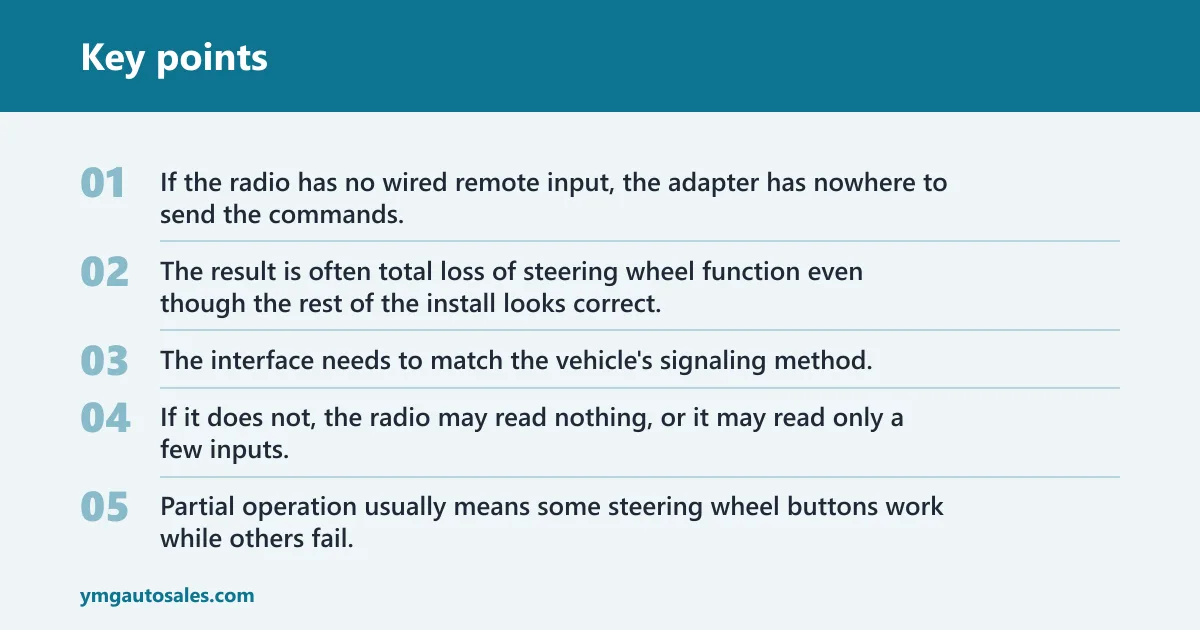
If the radio has no wired remote input, the adapter has nowhere to send the commands. If the radio does have an input, but it expects a different protocol or lead, the same failure happens in a different form. The result is often total loss of steering wheel function even though the rest of the install looks correct.
Wrong interface family
A CAN-bus car should not be paired with a plain resistive interface, and a 5-volt SWC data wire should not be treated like a simple button line. The interface needs to match the vehicle’s signaling method. If it does not, the radio may read nothing, or it may read only a few inputs.
Partial button function after install
Partial operation usually means some steering wheel buttons work while others fail. Volume may work, but track skip may not. Source may work, but phone keys may not. That pattern often points to a wrong lead, a limited radio protocol, or a vehicle-specific interface that does not support every factory button function.
Picture a Mercedes install where the volume keys respond but the seek buttons do nothing. That does not automatically mean the radio is bad. It often means the interface or lead supports only part of the command set for that model range, or the vehicle sits outside the supported year range.
Which vehicles and radios need a compatibility check?
Every install needs a compatibility check, but some need a stricter one. BMW, Mercedes, Toyota, and Volvo all appear in supported or unsupported coverage, which is a sign that fitment is selective rather than universal. A vehicle may be covered for one interface and excluded for another radio or lead.
Vehicle coverage examples and exclusions
Mercedes models from 2005 to 2007 are listed as not supported. Toyota Sienna models through 2003 are listed as not supported. That means the year range matters, not just the badge on the grille. BMW and Volvo coverage also varies by interface and model year, so do not assume a later car is automatically supported.
What to check before you buy
Match the exact vehicle. Use make, model, and year together, not just the brand. Exclusions can appear inside a brand family, including BMW, Mercedes, Toyota, and Volvo.
Match the radio brand. Confirm whether the head unit uses a wired remote input, a brand-specific protocol, or no remote support at all. Radios with listed remotes are specifically called out as unsupported in some interface charts.
Match the lead cable. Choose the cable the interface requires for that radio brand. If the product page names a JVC lead, use that rather than a generic guess.
Check for extra factory systems. Some vehicles use cellular phone systems or other factory controls that can affect the steering wheel button path. If the interface notes those systems, treat them as part of the compatibility check.
A common first-timer mistake is buying the adapter after choosing the radio, then discovering the radio has no wired remote input. The car side may be fully supported, but the head unit still cannot receive the signal. That is why the radio manual matters as much as the vehicle chart.
Frequently asked questions
Do all aftermarket radios support steering wheel controls?
No. An aftermarket radio may use standard ISO power and speaker connectors and still lack any steering wheel control input. Support depends on the head unit accepting a wired remote signal or a compatible brand lead. Without that input, the car adapter cannot pass button commands to the radio.
Why does my aftermarket radio not work with steering wheel controls?
The most common causes are a missing wired remote input on the radio, the wrong interface family for the vehicle, or the wrong brand lead. Partial function can happen too, where only some buttons respond. That usually points to a protocol mismatch rather than a full installation failure.
Can a universal radio keep factory steering wheel buttons?
Sometimes, but not automatically. A universal radio still needs to accept the signal from the interface, and the interface still needs the correct vehicle coverage and radio lead. If the radio has no wired remote input, a universal ISO plug setup will not keep the factory buttons working.
What connection cable do I need for steering wheel controls?
You need the lead cable that matches the radio brand and the interface family. Examples include a JVC lead or a supported universal lead where the product chart allows it. The wrong cable can leave the radio powered but blind to steering wheel commands.